Cocoa Bar: A Color Font for Deliciously Memorable Designs
There's a unique challenge in design work that deals with indulgence. How do you make a viewer taste the chocolate, smell the cinnamon, or feel the texture of a perfectly baked pastry through a static image? Often, the answer lies in the details, and the typography you choose is one of the most powerful details at your disposal. This is where a specialized display font like Cocoa Bar enters the conversation, not just as a set of letters, but as a direct visual translation of flavor and fun.
What Exactly is a Color Font?
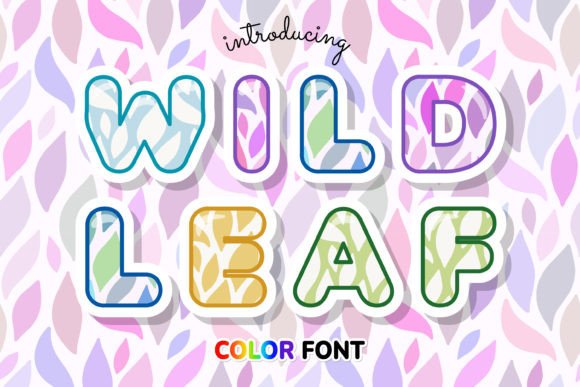
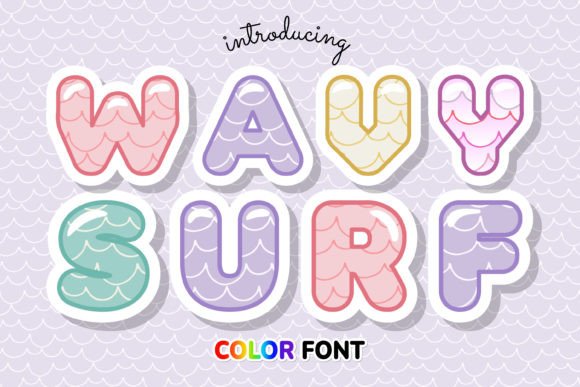
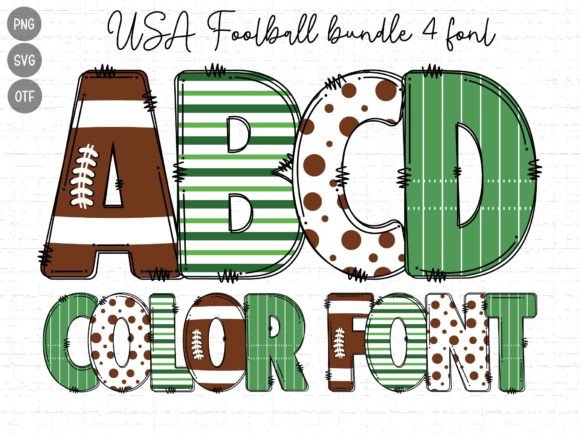
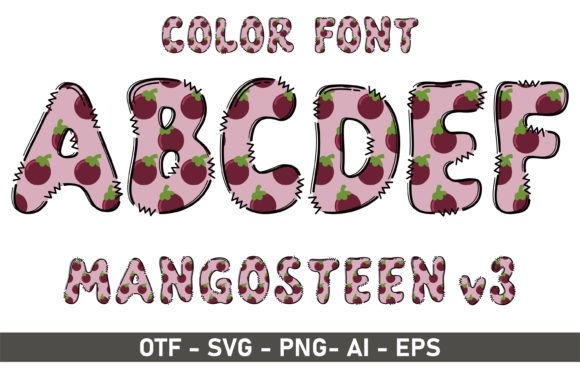
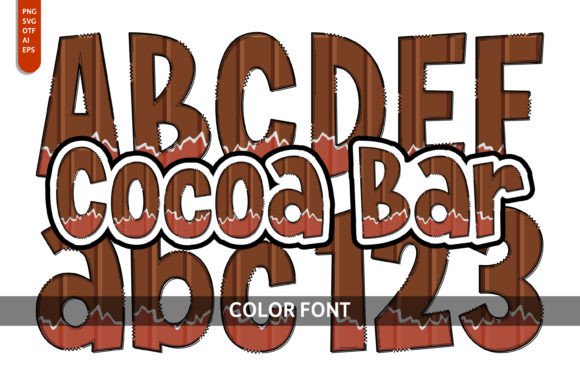
Before diving into the specific charm of Cocoa Bar, it's important to understand its foundation. This isn't a standard serif font or sans serif font that you color once in your design software. Cocoa Bar is a color font, built using OpenType-SVG technology. Think of each letter as a tiny, self-contained illustration. The vibrant hues, gradients, and intricate textures you see are embedded directly within the font file itself. This means when you type, you're not just placing characters; you're stamping down pre-designed, colorful art. This is a significant leap in modern typography, offering a level of visual richness that was once only possible with manual illustration.
The visual personality of Cocoa Bar is immediately clear. It’s a creative font that embodies the joy of a dessert counter. Imagine letterforms with the rich, swirled texture of milk chocolate, accented with the crisp white of vanilla cream and the speckled brown of cookie crumbs. It has a playful, slightly rounded form that feels approachable and indulgent, steering clear of the overly formal or the childish. This typeface is designed to evoke a specific sensory response, making it a powerful tool for any project centered around food, celebration, or a sense of treat-yourself luxury.
Finding the Sweet Spot: Practical Applications for Cocoa Bar
The strength of a specialized display font lies in knowing where it will have the most impact. Using Cocoa Bar for a 500-word corporate report would be a mismatch, but deploying it strategically can elevate a project from good to unforgettable. Its primary role is to capture attention and convey a mood instantly, making it ideal for headline treatments and key branding elements.
For entrepreneurs and small business owners in the food industry, this font is a potential cornerstone of a brand identity. A local bakery, a specialty coffee shop, or a gourmet ice cream brand could use Cocoa Bar in their logo design to communicate their artisanal, hands-on quality without saying a word. It extends naturally to packaging design—think labels for homemade jams, boxes for confections, or wrappers for specialty chocolate bars. The font’s built-in texture adds a layer of perceived quality and craftsmanship.
Beyond food, its application is broader than one might think. Event planners and individuals can create stunning party invitations, especially for birthdays, baby showers, or holiday gatherings where a festive, sweet theme is desired. In the digital realm, social media graphics are a perfect home for Cocoa Bar. A bold, colorful headline in an Instagram post or a YouTube thumbnail for a cooking channel can stop the scroll and communicate the content’s theme in a fraction of a second. For bloggers and publishers, it can be used sparingly in editorial design for pull quotes or section headers in a food or lifestyle magazine to inject personality and break up text-heavy layouts.
Working With Cocoa Bar: A Designer's Practical Guide
Adopting any new design asset requires a bit of strategy. Cocoa Bar, as a premium font with specific technical requirements, is no different. First, compatibility is key. As an OpenType-SVG color font, it works seamlessly in modern versions of Adobe Photoshop, Illustrator, Silhouette Studio, and Inkscape. It’s crucial to note that the standard OTF or TTF files are not compatible with Cricut machines, a vital consideration for crafters. Always check the Ultimate Font Guide for detailed instructions on installation and use in your specific software.
Evaluating project fit is your next step. Ask yourself: does the playful, textured, and celebratory nature of this handwritten font align with the message? It’s a natural fit for a children’s party supply brand but might conflict with the serene, minimalist vibe of a meditation app. The font’s personality should complement, not clash with, the overall brand voice.
One of the most critical skills is mastering font pairing. A vibrant, detailed display font like Cocoa Bar should almost always be paired with a clean, simple companion for body text. A neutral sans serif font or a highly legible serif works best, ensuring readability isn’t sacrificed for style. Use Cocoa Bar for headlines, titles, and short, impactful phrases. Let its partner handle the longer paragraphs. This creates a clear visual hierarchy, guiding the reader’s eye and making the design both beautiful and functional.
Before finalizing, take the time to review all the included styles and characters. Many creative fonts include alternate characters, ligatures, or stylistic sets that can add even more uniqueness to your work. Test the font at the size it will be viewed. While it’s designed for impact, its intricate details are best appreciated at larger scales. Finally, ensure you understand the licensing. For a commercial font like this, verify that your intended use—whether for a client’s product line or your own business’s marketing—is covered by the license you purchase. This due diligence protects your work and respects the font creator’s craft.
In the end, a font like Cocoa Bar is more than a tool; it’s a collaborator. It brings a built-in mood and story to your projects, allowing you to communicate joy, indulgence, and creativity through the very letters you use. By applying it thoughtfully and strategically, you can transform ordinary designs into truly mouthwatering experiences.