Snowy: Adding Whimsy and Handcrafted Charm to Your Designs
When a design calls for personality over perfection, the typeface you choose becomes a voice. Snowy is a premium font that speaks in a tone of playful elegance and artistic flair. It isn't just a set of characters; it's a design asset with a distinct, hand-lettered feel that can instantly soften a layout, inject warmth, and make a message feel more personal. This creative font moves beyond the rigid geometry of a standard sans serif or the formal serifs of traditional typography, offering a touch of human imperfection that resonates in the right context.
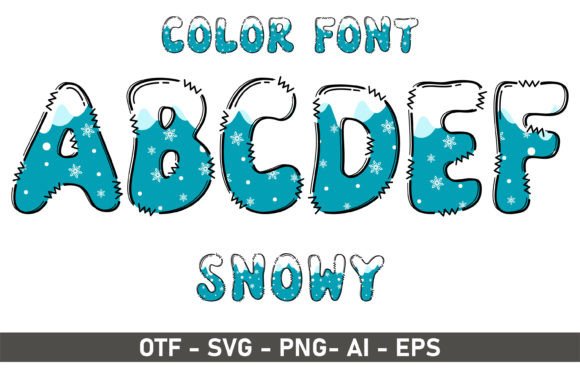
Visually, Snowy presents as a stylish handwritten font with a confident, flowing baseline. Its letterforms have a natural, slightly varied stroke that mimics the look of a skilled calligrapher or lettering artist. The overall personality is approachable, artistic, and modern, making it a versatile display font for headlines, logos, and short, impactful text blocks. It’s the kind of typeface that feels at home on a wedding invitation as it does on a social media graphic for a boutique bakery, effectively bridging the gap between formal and casual.
Where Snowy Truly Shines: Practical Applications
The strength of a font like Snowy lies in its application. It’s not designed for long-form body text, but for moments where you need to capture attention and convey a specific mood. In branding and logo design, Snowy can be the cornerstone for a business that wants to project creativity, authenticity, and a personal touch. Think artisanal products, independent coffee shops, creative studios, or lifestyle blogs. It helps build a brand identity that feels crafted rather than corporate.
In the realm of publishing and editorial design, this font excels. Use it for chapter titles in a cookbook, pull quotes in a magazine, or the title of a children's book cover. Its playful nature makes it a natural fit for greeting cards, party invitations, and posters. For digital creators, Snowy is a powerhouse for social media graphics. A quote rendered in this typeface on an Instagram post or a YouTube thumbnail feels more engaging and shareable. It translates well to packaging design, adding a handcrafted label feel to jars, boxes, and tags.
Making the Right Choice: Pairing and Readability
Integrating a distinctive display font into a project requires thoughtful consideration. The key to using Snowy effectively is contrast and restraint. Because it has such a strong personality, pairing it with a clean, neutral font is essential. A simple sans serif font like Montserrat or a classic serif font like Lora can provide the perfect counterbalance, ensuring your body text remains highly readable while your headlines pop. This font pairing strategy creates a clear visual hierarchy, guiding the viewer's eye from the expressive headline to the supporting information.
Readability is paramount. Always test the font at the size it will be used. While perfect for large headings, using Snowy for small captions or lengthy paragraphs will hinder legibility. Evaluate the specific styles included in the font family. Some premium fonts offer multiple weights or stylistic alternates that can provide subtle variations for different uses. Before finalizing a project, especially for commercial use, review the licensing agreement. Ensure it covers your intended application, whether for client work, merchandise, or digital products.
Technical Considerations for Crafters and Designers
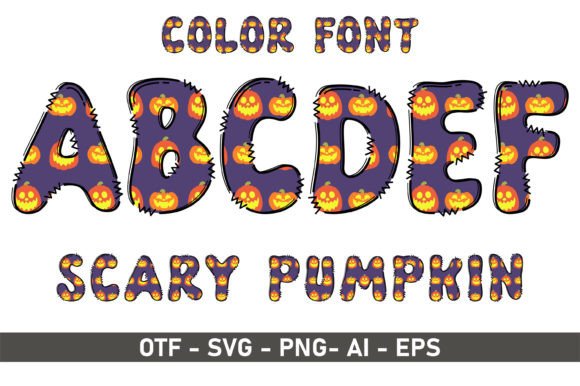
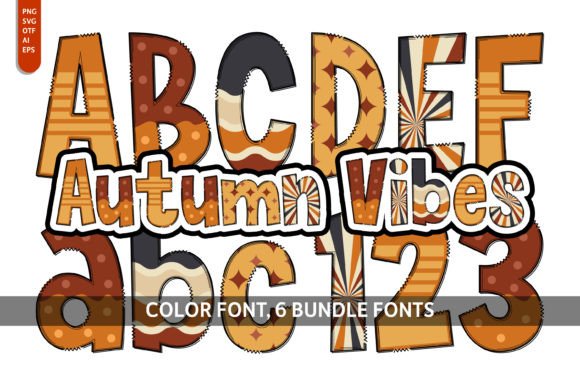
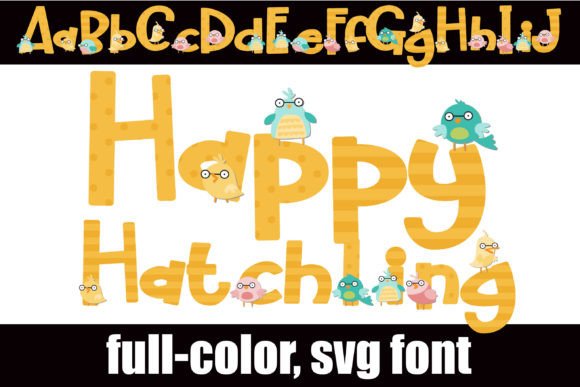
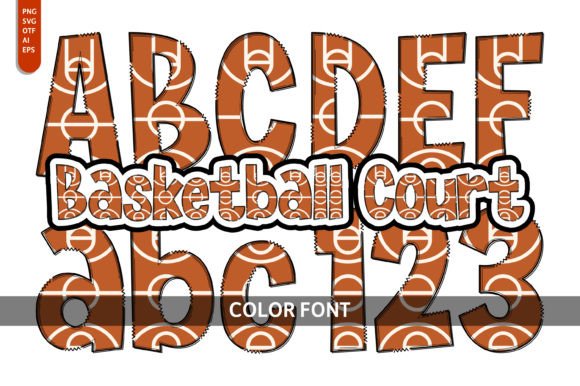
A crucial point for crafters and designers using cutting machines like Cricut or Silhouette is file compatibility. The black version of Snowy is fully compatible with Cricut Design Space and similar software, making it ideal for vinyl decals, heat transfers, and paper crafts. However, the color version of the font, which includes multi-colored or layered glyphs, is only compatible with advanced design programs such as Adobe Photoshop, Illustrator, Silhouette Studio Designer Edition, and Inkscape. The OTF and TTF files for the color version will not function in Cricut's software.
When evaluating a creative font like this for your project, consider the entire ecosystem of your work. If your workflow involves both digital design in Illustrator and physical crafting with a Cricut, you may need to use the standard black version for your cut files and reserve the color version for your digital mockups and graphics. This distinction ensures you leverage the full creative potential of the typeface without running into technical roadblocks, maintaining professionalism and consistency across all your design assets. Always verify the specific file formats included—whether OTF, TTF, or WOFF—to ensure they meet the requirements of your design software and final output, whether for web design or print.