Jelly: A Sweet and Versatile Display Font for Modern Projects
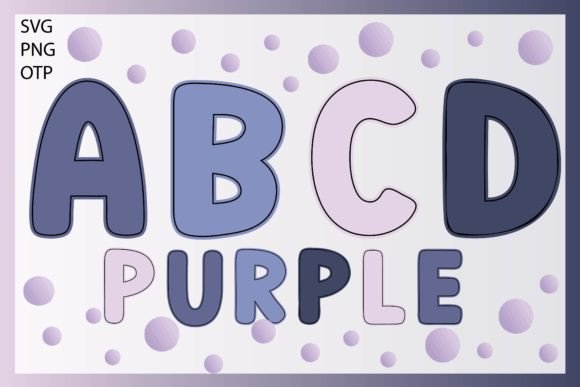
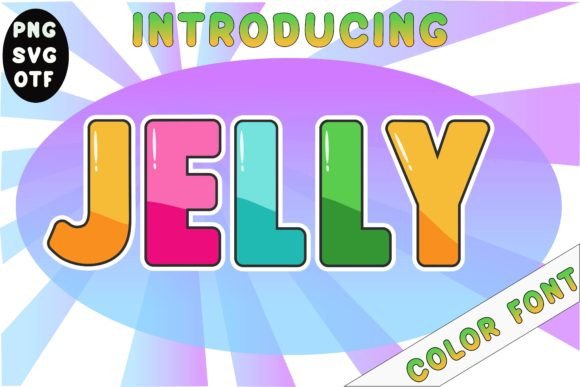
When you're working on a design that needs a touch of playful energy, the right typeface can make all the difference. That's where Jelly comes in. This is a cute and fun display font designed to inject personality and charm into a wide range of creative work. It's not just another pretty face in your font library; it's a versatile tool built for impact. At its core, Jelly is a creative font with rounded, soft letterforms that evoke a sense of friendliness and approachability. Its style leans into a modern, slightly bubbly aesthetic, making it feel both contemporary and whimsical. The overall appeal lies in its ability to be instantly engaging without sacrificing clarity, a balance that's often hard to strike in display typography.
Where This Font Truly Shines: Practical Applications
The real value of a font like Jelly is measured by its utility. It's engineered for specific contexts where its personality can enhance the message. Think about packaging design. For a brand selling snacks, milk, yogurt, or jelly, this typeface is a natural fit. The rounded shapes mirror the soft, enjoyable nature of the product, creating an immediate visual connection on the shelf. It communicates that the product is fun, approachable, and perhaps aimed at families or a younger demographic.
Beyond the grocery aisle, Jelly excels in creating vibrant brand identity elements. It's an excellent choice for a logo design that needs to feel energetic and modern. A children's boutique, a bakery with a playful vibe, or a creative startup could use Jelly as the cornerstone of their visual language. Its distinctive character helps with brand recognition, ensuring the logo stands out in a crowded market. For entrepreneurs and small business owners, this is a premium font asset that can elevate a brand's professionalism and memorability from the outset.
The applications extend into digital and print realms. As a display font, it's perfect for headlines and subheadings in editorial design, like magazine layouts or blog headers, where you want to grab attention quickly. In web design, it can be used strategically for hero text or call-to-action buttons to guide the user's eye. For social media graphics, its playful nature is ideal for creating scroll-stopping posts, story templates, and promotional banners that feel native to the platform's casual environment. Even for personal projects, such as crafting invitations, greeting cards, or party decorations, Jelly adds a polished, custom look that generic fonts can't provide.
Making Jelly Work for You: A Designer's Perspective
Choosing a font is a strategic decision. Here’s how to approach Jelly practically. First, evaluate the project fit. Ask yourself: does the tone of my project align with Jelly's personality? It's a strong match for themes that are friendly, modern, energetic, or youthful. It might not be the right choice for a law firm's annual report or a luxury watch brand's minimalist ad, and that's okay. Knowing when not to use a font is as important as knowing when to use it.
Next, consider font pairing. A bold display font like Jelly works best when balanced with a more neutral companion. Pair it with a clean sans serif font for body text to ensure readability. For example, a simple geometric sans serif like Montserrat or Poppins can provide a stable foundation, letting Jelly's personality shine in headlines without overwhelming the viewer. You could also pair it with a simple serif font for a more editorial, yet still friendly, contrast. Always test your pairings in context to see how they interact visually.
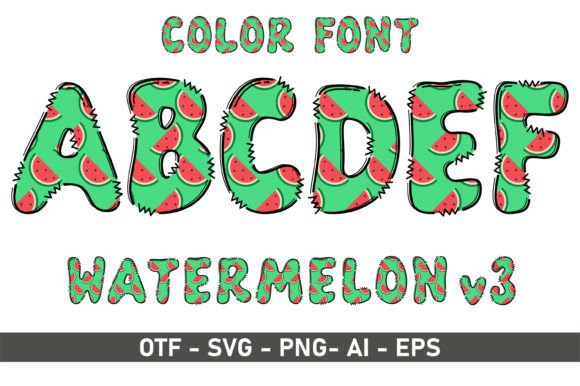
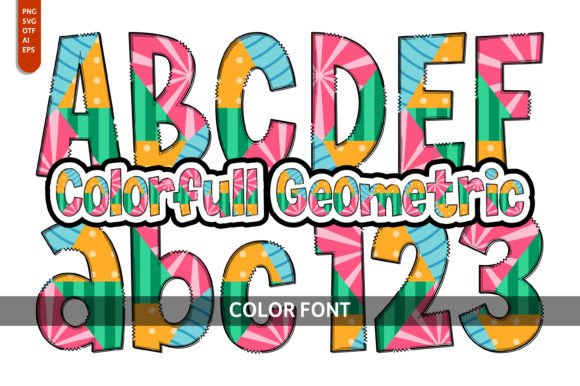
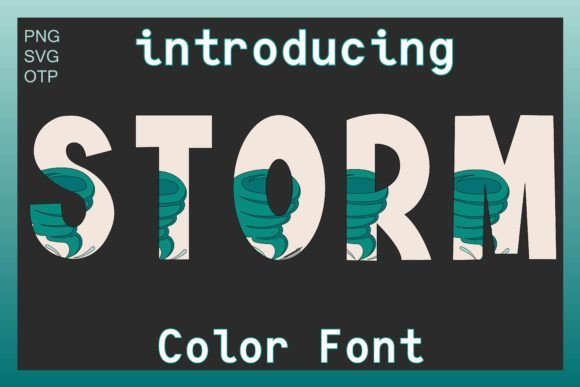
It's crucial to understand the technical aspects of this typeface. Jelly is a color font (OpenType-SVG). This means the font files contain vector graphics with color information, allowing for multi-colored letterforms right out of the box. This is a fantastic feature for creating vibrant designs in applications that support it, like Adobe Photoshop and Illustrator, or Silhouette and Inkscape. However, it's vital to note that the OTF/TTF files are not compatible with Cricut. This is a key consideration for crafters and hobbyists planning to use the font for cutting projects. Always check software compatibility before purchasing any commercial font.
Finally, think about readability considerations. While Jelly is designed to be legible at larger sizes typical of display use, it's not intended for long paragraphs of body text. Use it for short, impactful phrases—headlines, logos, slogans, and titles. In those contexts, its unique character enhances engagement. For longer text, rely on your paired serif or sans serif font. Reviewing the full character set and any included styles (like bold or italic versions, if available) will help you understand the full range of your design assets and plan your projects more effectively.
The Final Word on This Creative Font
In a world saturated with visual noise, a thoughtfully chosen modern typography asset can be your secret weapon. Jelly is more than just a fun font; it's a strategic tool for designers, marketers, and creators who need to convey specific emotions and qualities quickly. Its strength lies in its ability to make designs feel approachable, energetic, and contemporary. Whether you're developing a new brand identity, crafting social media graphics, or designing standout packaging, this display font offers a practical and effective way to inject personality into your work. Just remember to use it where it fits best, pair it wisely, and always be mindful of technical compatibility to ensure your creative vision comes to life exactly as you imagine.